Products

Apps we design, build
and ship ourselves

Same tools, same store review, same standard as our client work.
Coinly app icon

Coinly

Expense tracker for Android

Live on Google Play
  • Every wallet in its own currency, added up to one total
  • Budgets that warn you before you overspend
  • Works offline, no account needed
  • Backups go to your own Google Drive
166currencies
4languages
0ads
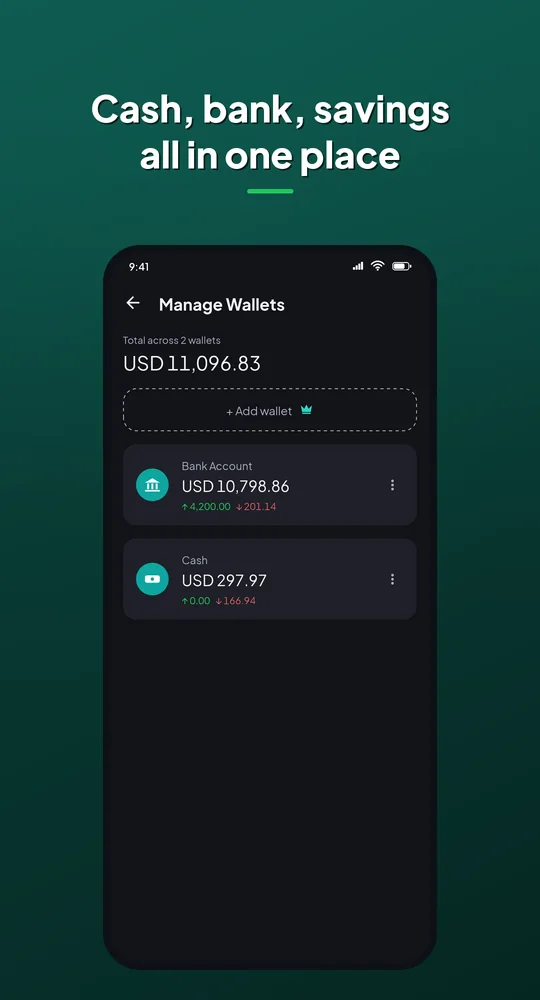
Coinly wallets screen: cash, bank and savings in one place

Every wallet, one total

  • Cash, bank and savings kept apart
  • Each wallet in its own currency
  • 166 currencies at daily exchange rates
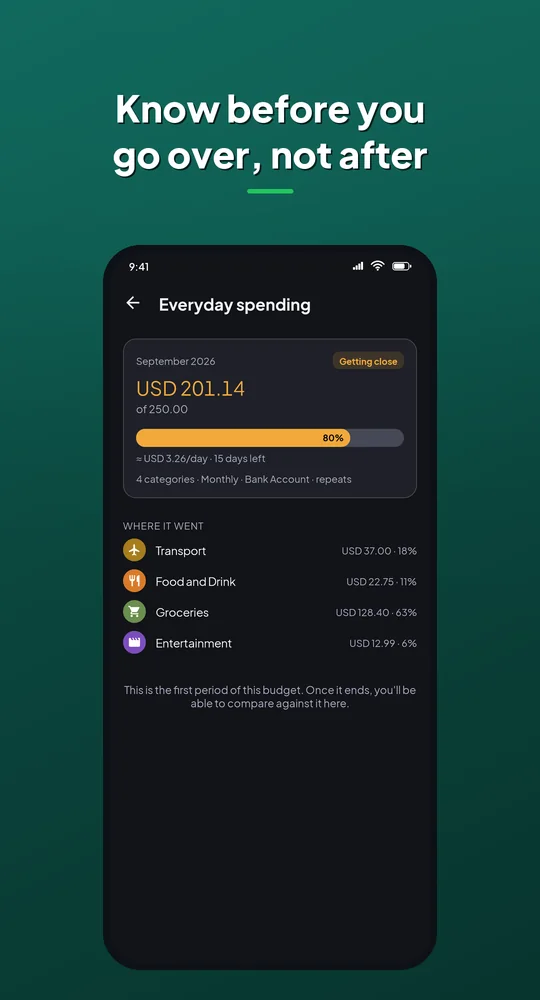
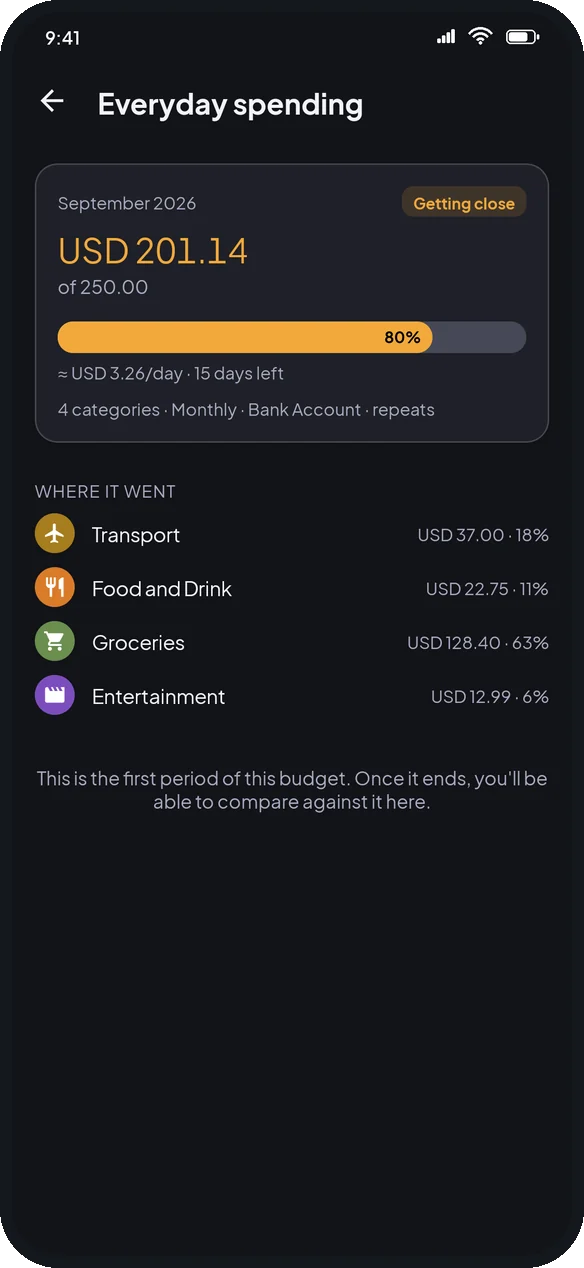
Coinly budget screen: know before you go over

Budgets that warn you early

  • Group categories into one budget
  • Daily allowance and days left
  • Past months kept to compare
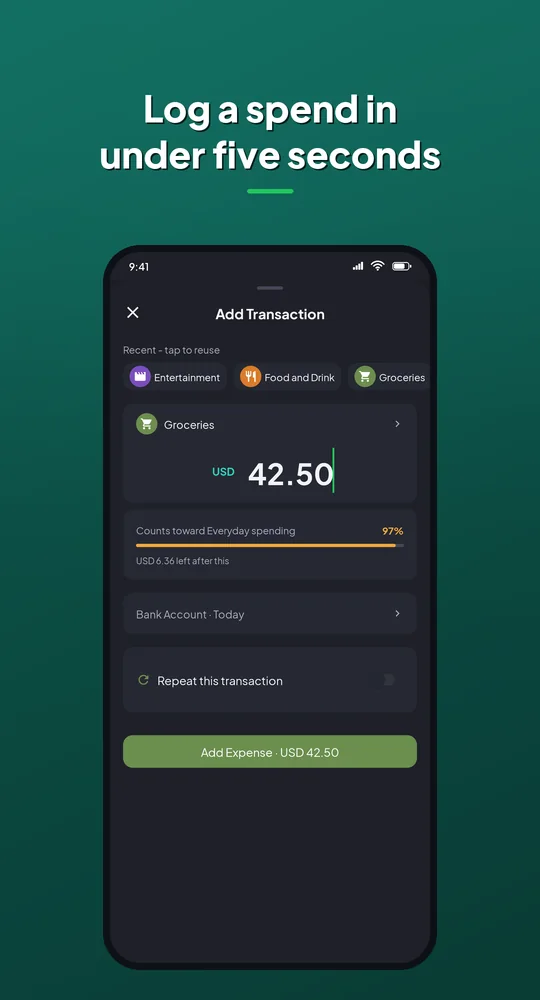
Coinly add transaction screen: log a spend in under five seconds

A spend logged in seconds

  • Recent categories one tap away
  • Recurring entries log themselves
  • Receipt photos attached
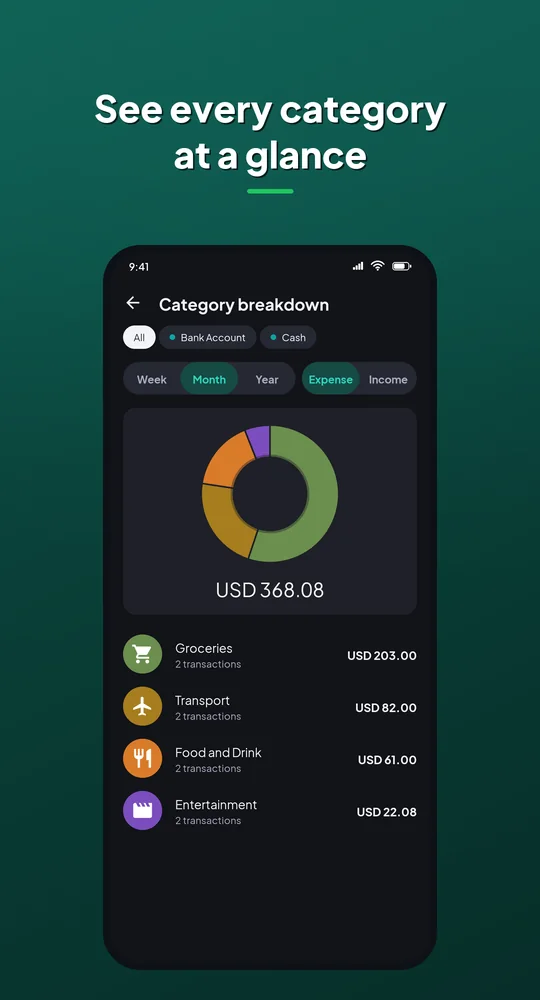
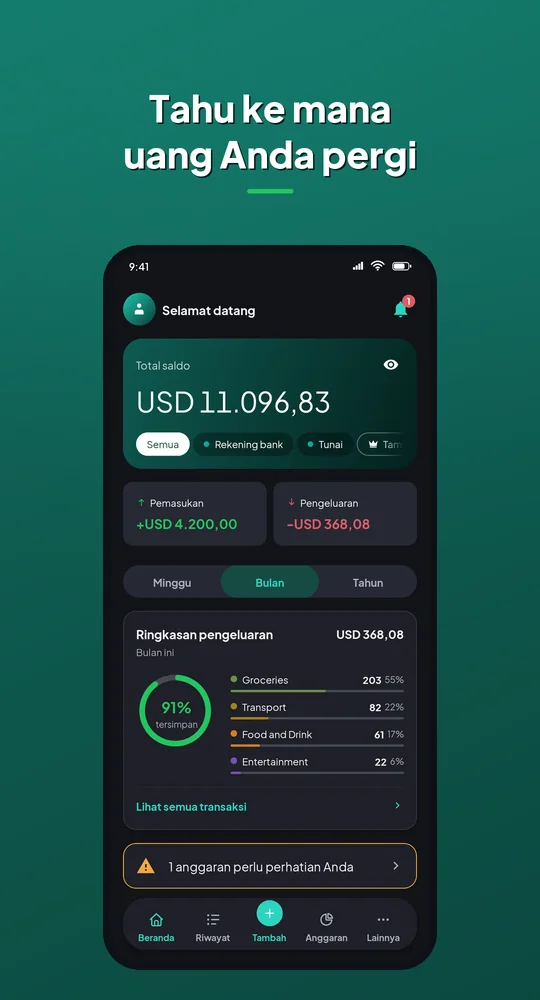
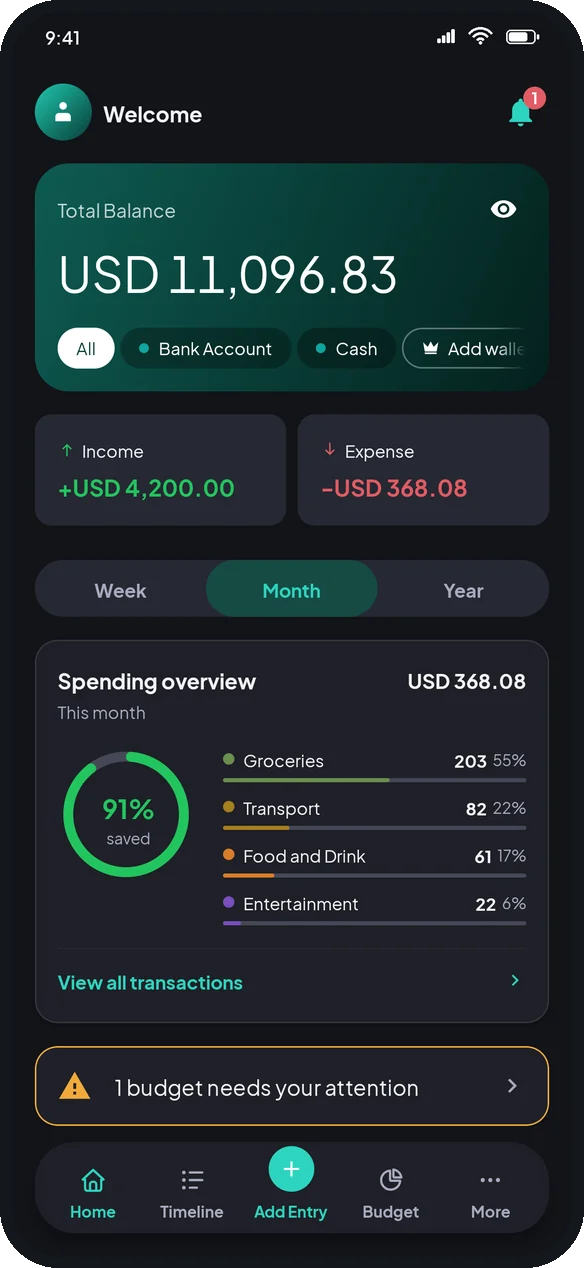
Coinly category breakdown chart

Spending at a glance

  • Category chart by week, month or year
  • Totals and transaction counts
  • Tap a category to see what made it up
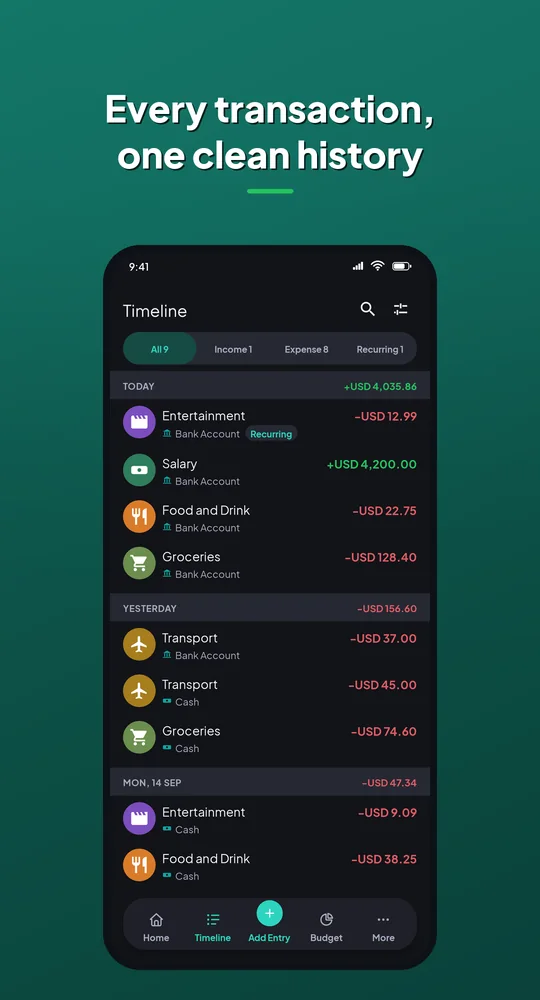
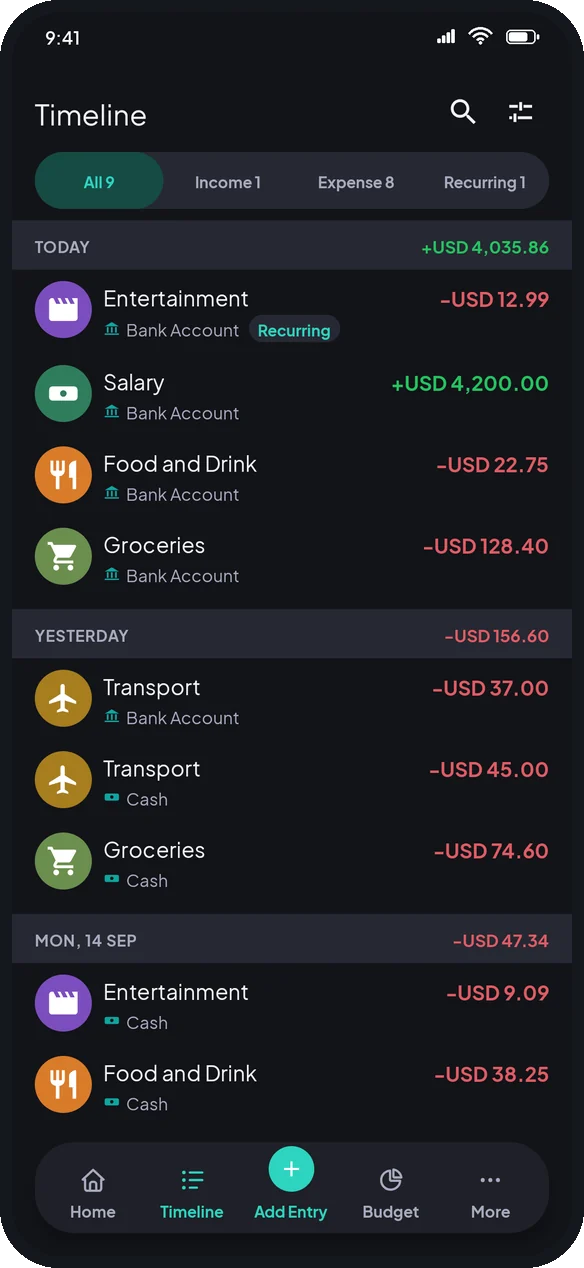
Coinly timeline: every transaction in one clean history

One clean history

  • Grouped by day, with daily totals
  • Search and filters
  • Income, expenses and recurring entries
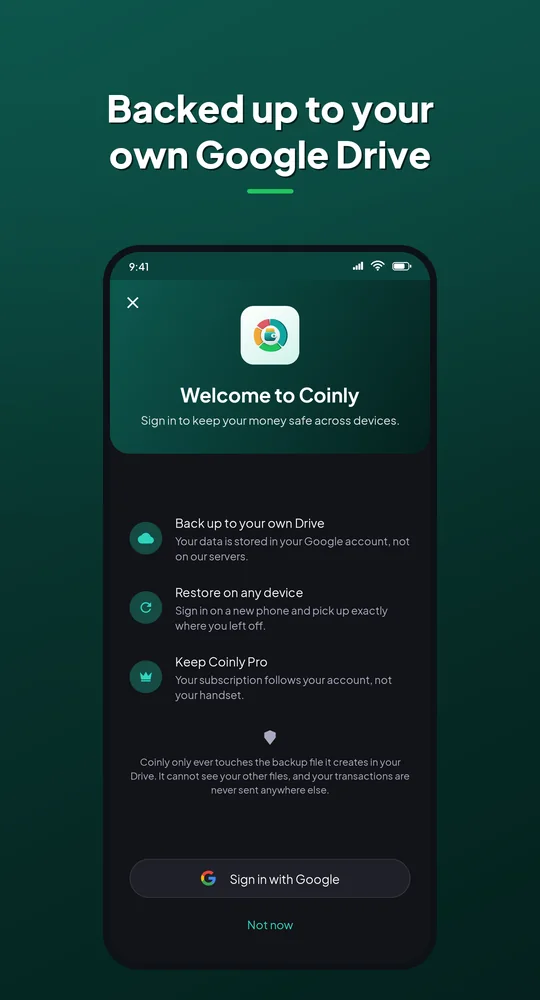
Coinly sign-in: backed up to your own Google Drive

Private by design

  • No account needed, works offline
  • Backup to your own Google Drive
  • No server ever holds your data

Speaks four languages

  • The app, the store listing and the website
  • Numbers and dates follow the language you pick
  • Built to add more without touching the layouts
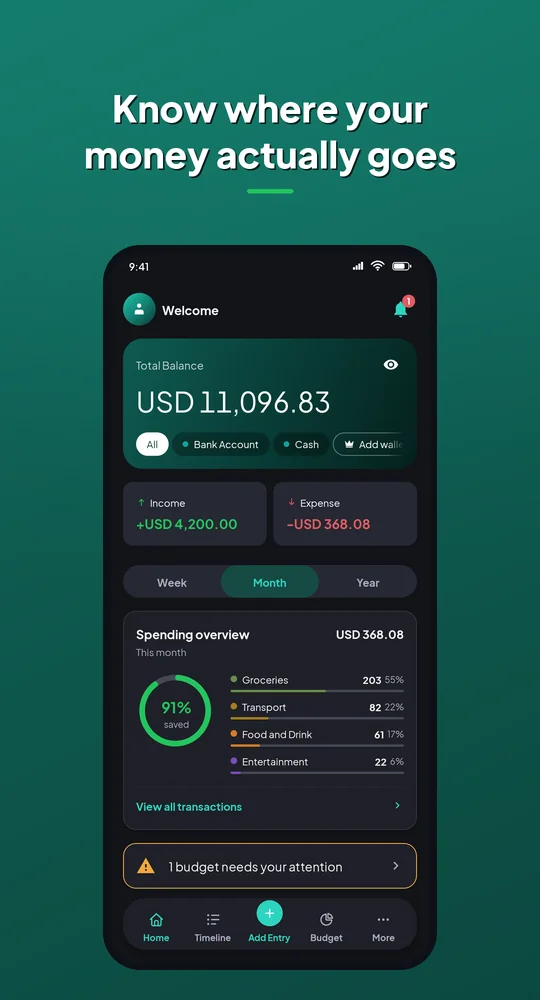
Coinly Play Store screenshot in English
English
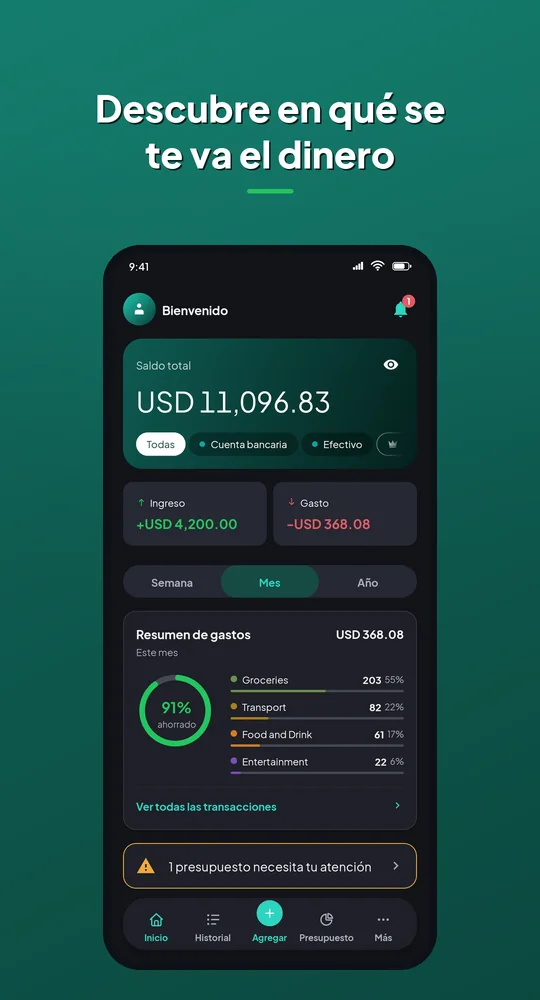
Coinly Play Store screenshot in Español
Español
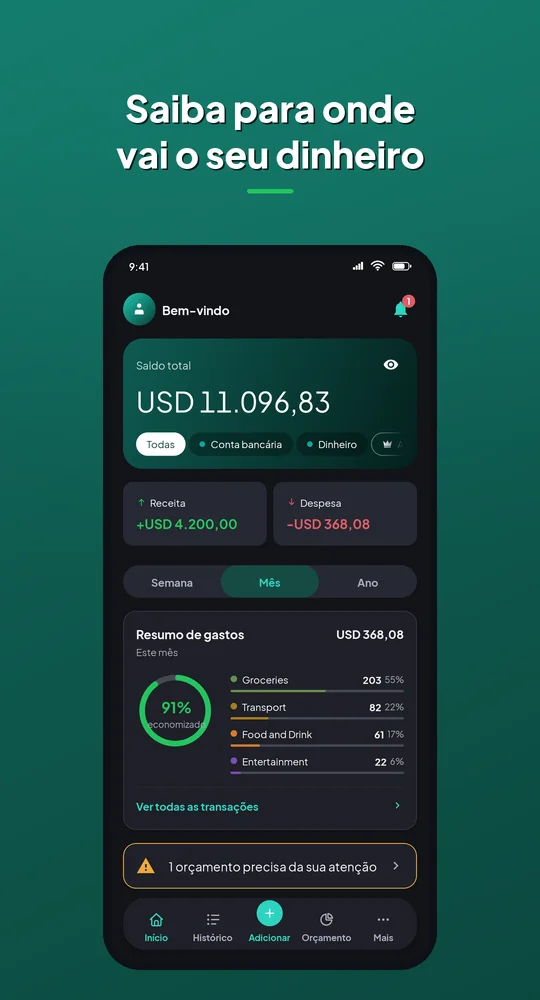
Coinly Play Store screenshot in Português
Português
Coinly Play Store screenshot in Bahasa Indonesia
Bahasa Indonesia
Under the hood KotlinClean architectureRoomHiltWorkManagerGoogle Play BillingGoogle Drive APICrashlytics
OneTap app icon

OneTap

Paste it, say it or share it. AI sets it up.
Coming soon · waitlist open
  • Turns any text or voice note into an event, alarm or expense
  • Reads receipts line by line
  • Hands-free voice commands from a floating bubble
  • No account, with Google Drive backup
3ways to capture
1tap to confirm
0accounts
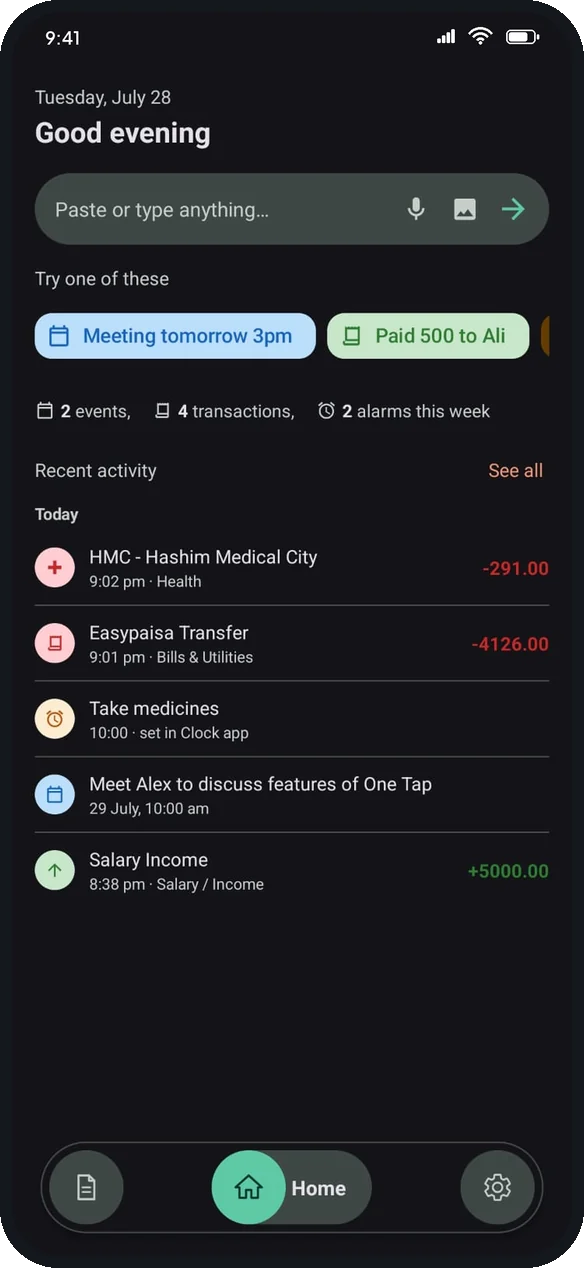
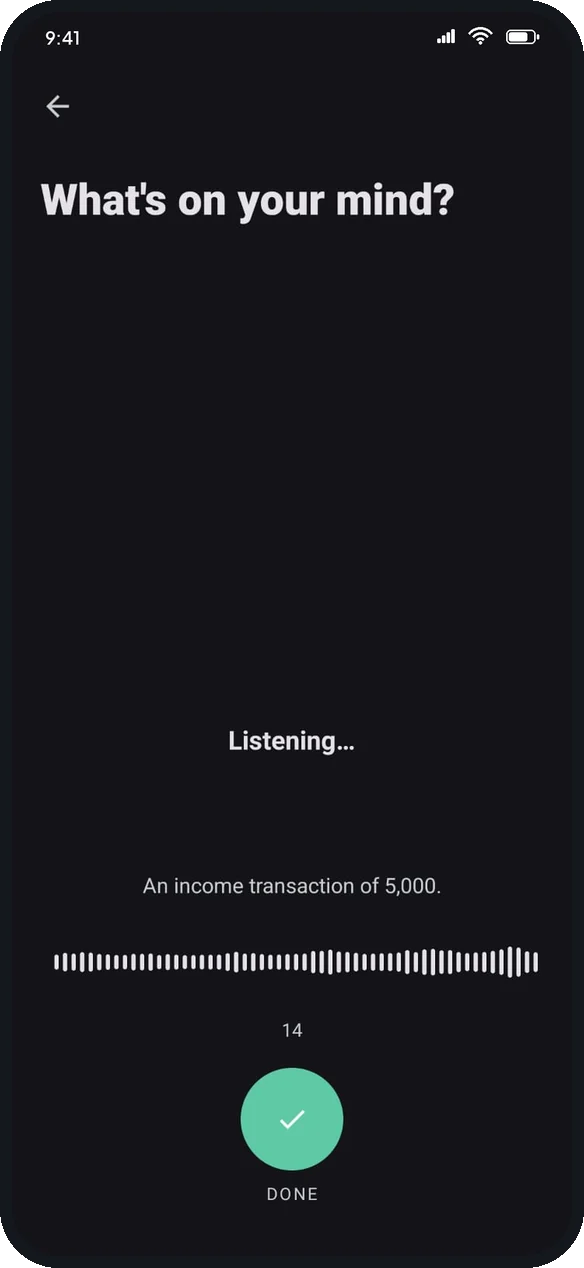
OneTap voice capture: what's on your mind?

Paste it, share it or say it

  • Type, paste, share a screenshot or speak
  • AI picks out dates, amounts and places
  • Nothing is saved until you confirm
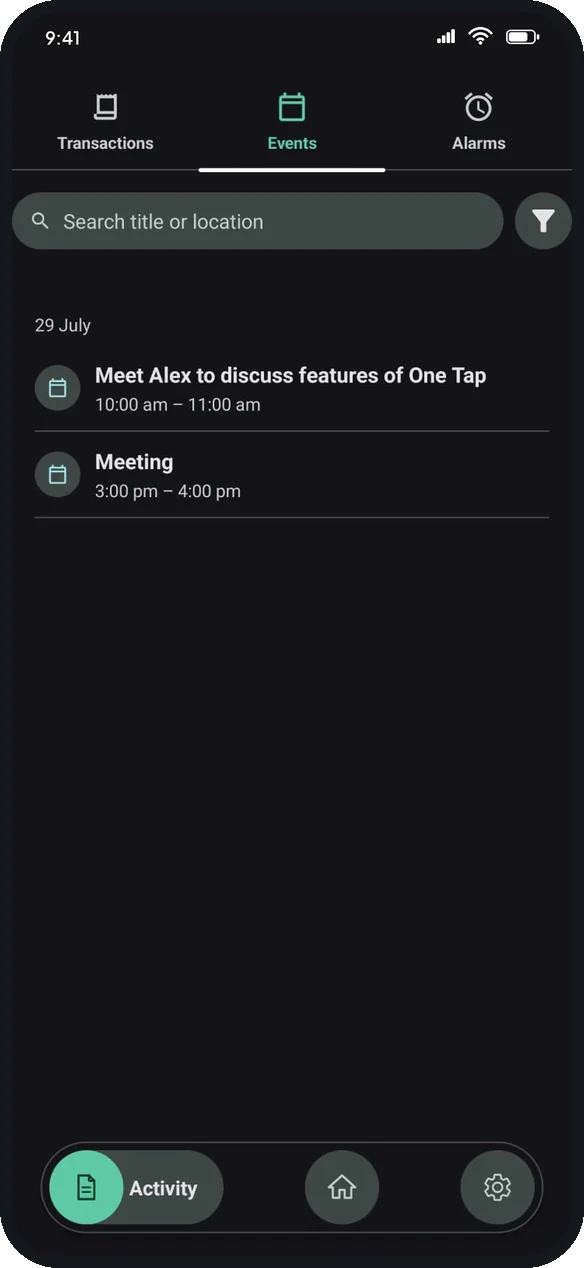
OneTap events list

Events and alarms, set for you

  • Calendar events with time and place
  • Real alarms and reminders on your phone
  • Understands “tomorrow at 3pm”
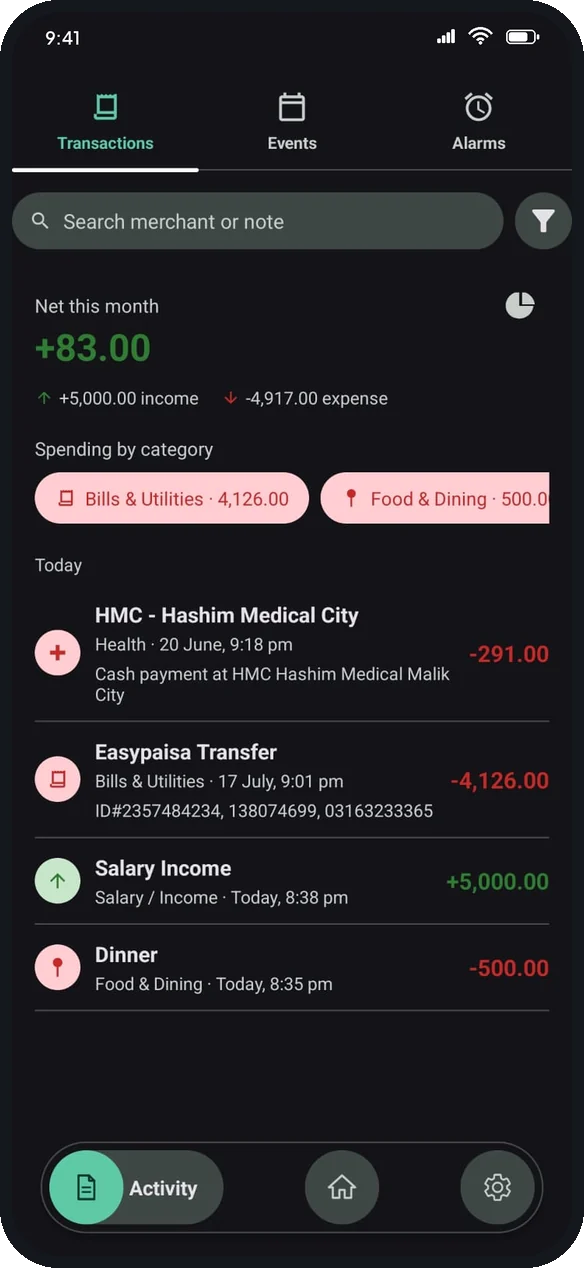
OneTap transactions with spending by category

Expenses sorted automatically

  • Amount, merchant and category filled in
  • Spending by category at a glance
  • Filter by type, category or date
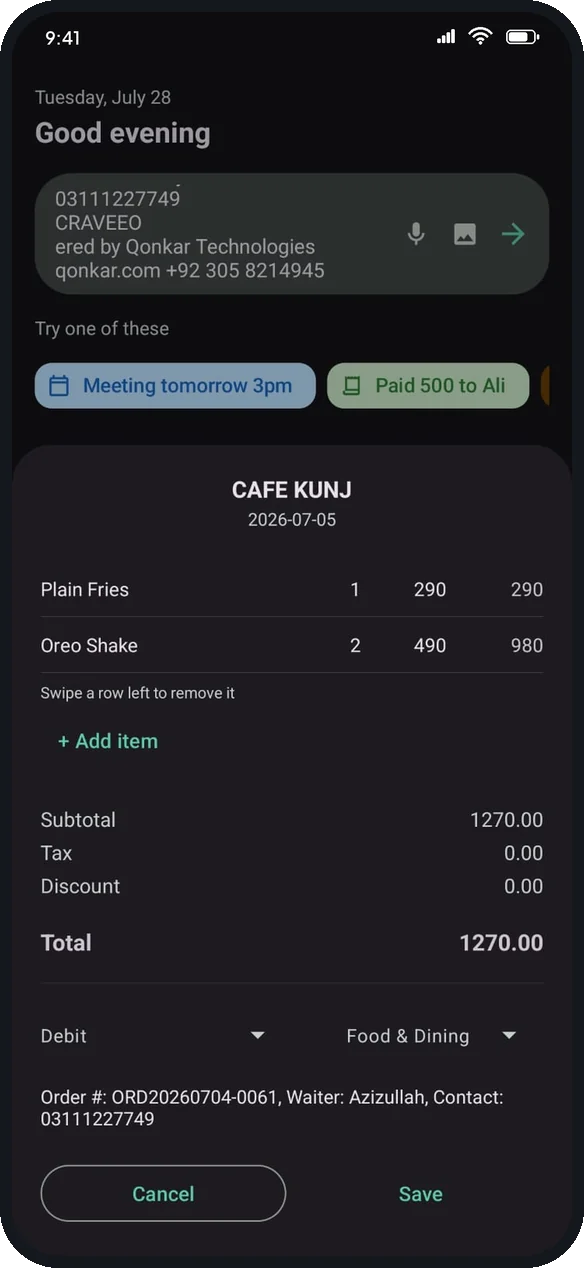
OneTap itemized receipt

Receipts, itemized

  • Snap a photo of any receipt
  • Every line item read and totalled
  • Edit before it becomes one transaction
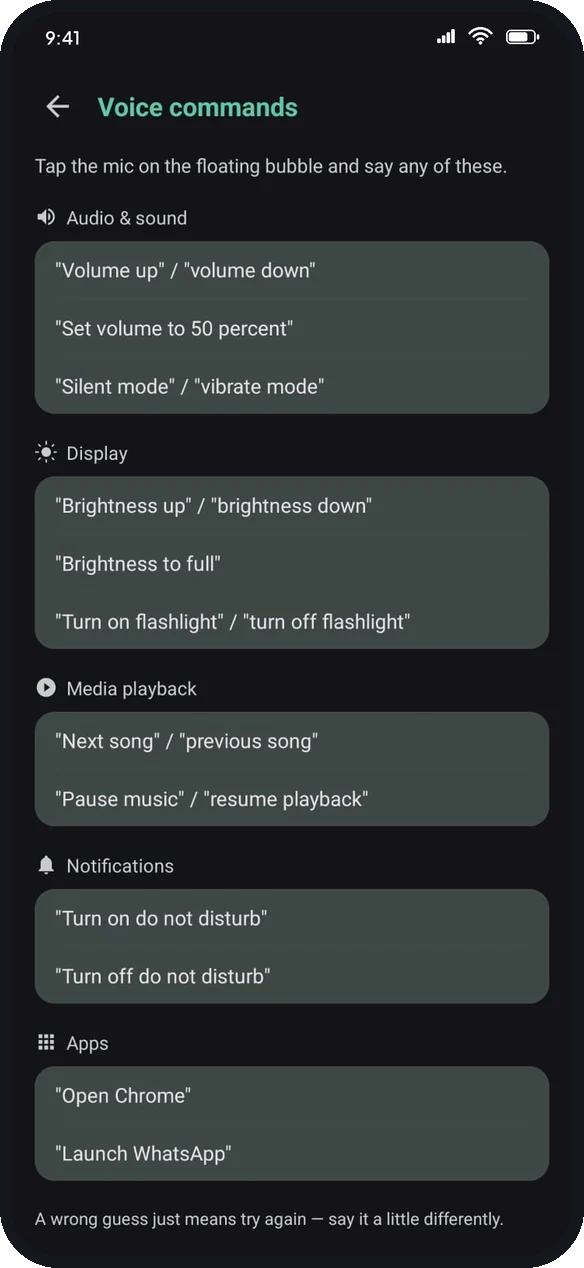
OneTap voice commands list

Hands-free voice commands

  • A floating quick-action bubble
  • Volume, brightness and media by voice
  • Open apps just by saying so
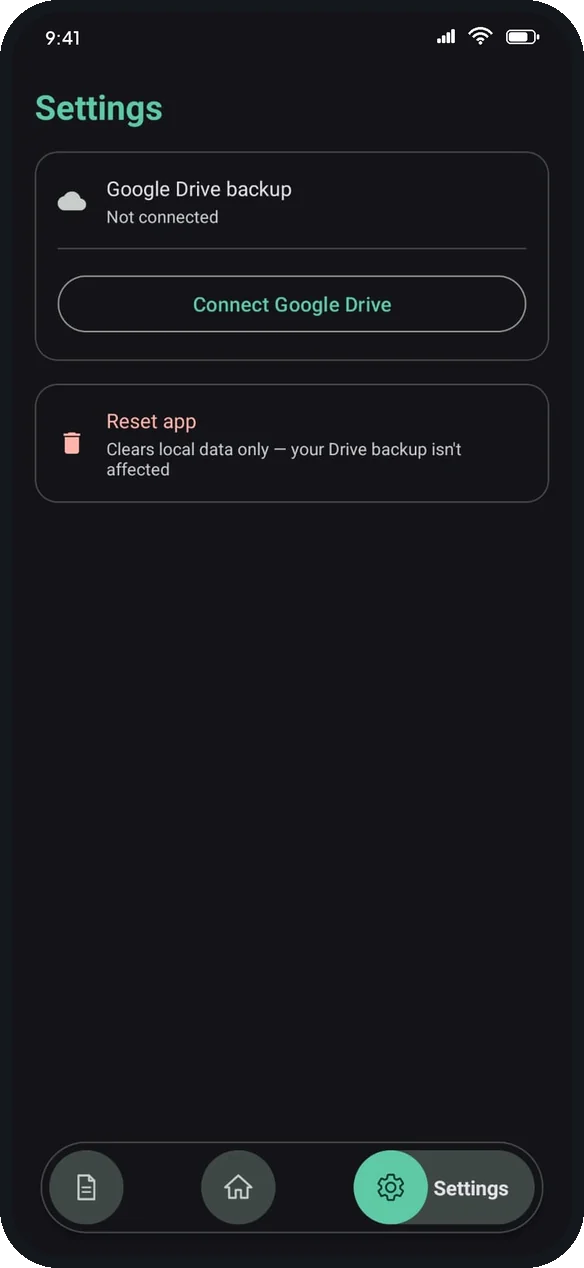
OneTap settings with Google Drive backup

Private by design

  • No account, nothing to leak
  • Your data stays on your phone
  • One-tap Google Drive backup
Under the hood KotlinOn-device OCRSpeech to textLLM structured outputEncrypted local storageGoogle Drive API

Building something of your own?

The same team that built these is available for client work — from a first prototype to a product live on Google Play.